
Student Support
Help with your studies, your e-Learning Cafe, the Workplace Lab and your Skills Passport. Start with the topic closest to your question.
Help by topic
Logging in
Your NIBS Campus account is your student login for courses, your Skills Passport and, once your programme opens, the Workplace Lab. Use the password reset on the login page if you are locked out.
Go to student loginLearning at an e-Learning Cafe
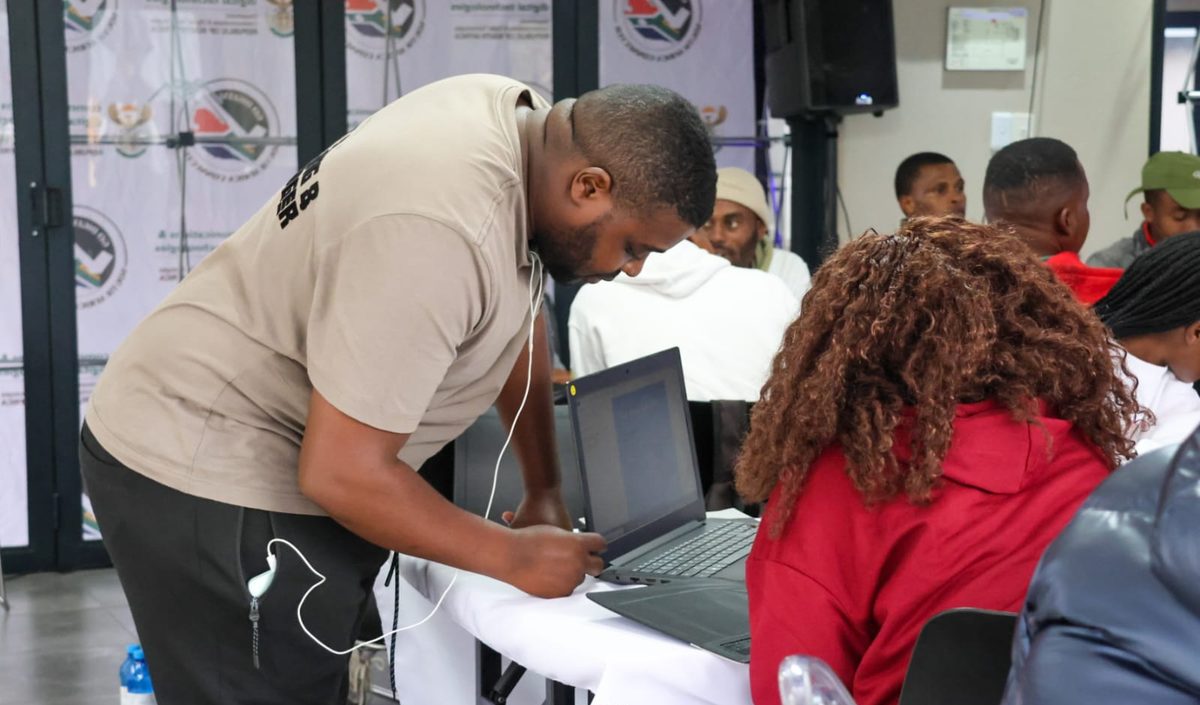
Centres provide computers, connectivity and a facilitator. Each centre page lists hours, booking requirements and accessibility. Centre locations are published as they are confirmed.
e-Learning CafesWorkplace Lab tasks
Tasks are assigned, done, submitted and assessed in the Workplace Lab. Each task shows one of the states Assigned, In progress, Submitted, Under review, Competent, Resubmission required or Closed. If a task says Resubmission required, read the assessor feedback and submit again.
Open the Workplace LabMy Skills Passport
Your passport shows your credentials, verified skills, workplace evidence summaries and learning journey. Everything on it is private until you choose to share a specific credential.
Open My Skills PassportVerifying a credential
Each NIBS credential has an id like NIBS-XXXX-XXXX. Anyone you share it with can check it online. Private credentials show only that they are private.
Verify a credentialFees and payments
free courses are free. Where a fee applies it is confirmed with you before you pay. Payment options are being finalised.
Fees and fundingYour personal information
How NIBS handles your information, what you have consented to, and how to ask for a copy or removal of your data.
Privacy Policy
Reach a person
- In the community
- Post in your course space; facilitators and other learners answer there first.
- At an e-Learning Cafe
- Ask the facilitator on duty.
- Contact details
- Public phone and email are published on the Contact page once confirmed.